




Designing mein sabse zyada time font choose karne mein chala jaata hai. Har baar same process text likho, font tab kholo, ek-ek karke check karo. Is problem ka simple solution hai kuch tools jo ek saath sab fonts ka preview dikhate hain. Web pe bhi available, aur desktop software form mein bhi.
Web version tumhare system ke fonts ko browser mein show karta hai. Software version locally install hota hai, jahan tum fonts ko manage, tag, aur deactivate bhi kar sakte ho. Dono tarike design workflow ko fast banate hain.
Web Tools (Online Preview)
Wordmark.it
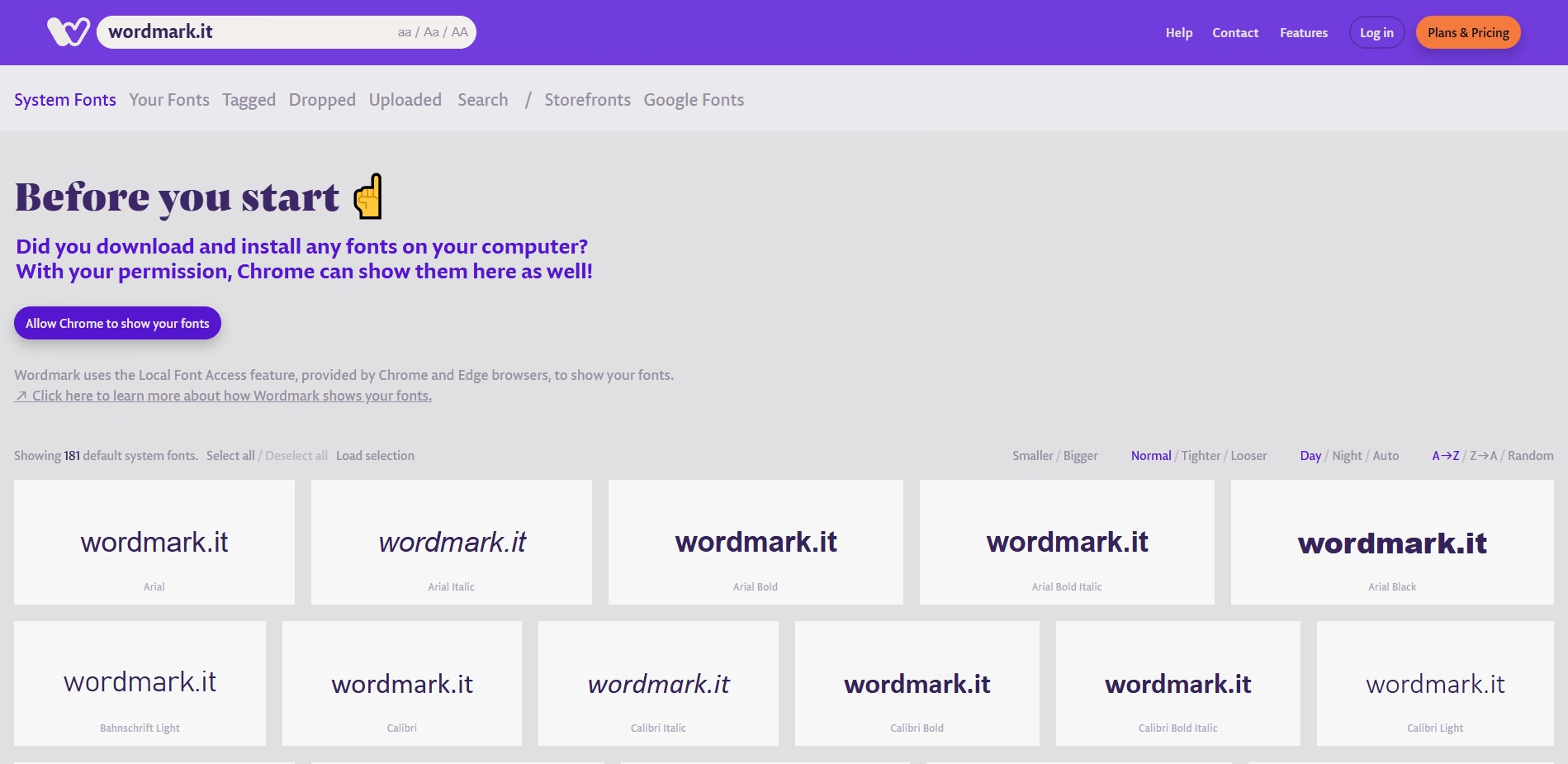
Ek web-based tool jo tumhare system ke saare installed fonts ka live preview deta hai. Tum apna text type karke ek saath compare kar sakte ho, aur favorite fonts shortlist kar sakte ho. Browser dependent hai, lekin quick aur simple hai.
Pros: Fast comparison, type custom text, shortlist favorite fonts.
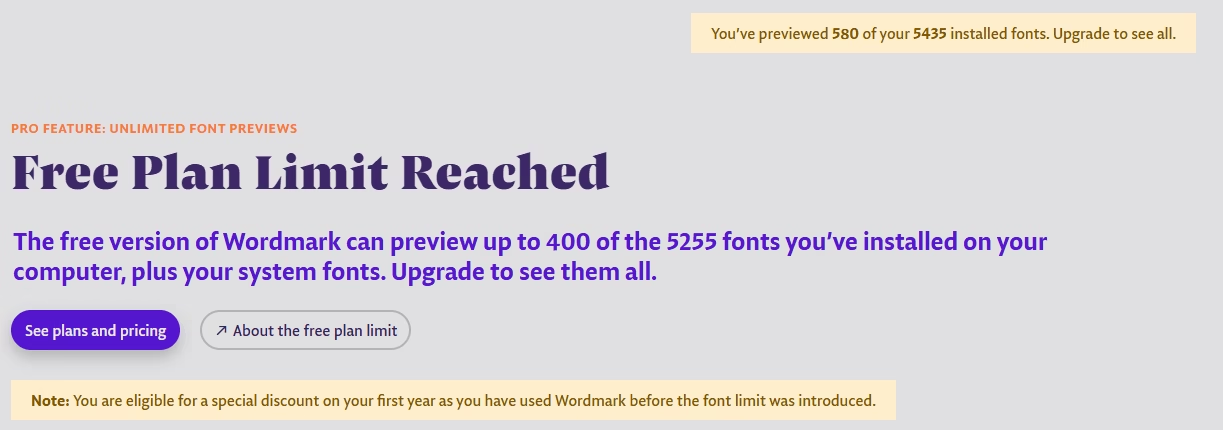
Cons: Browser dependent, kuch fonts detect nahi hote. Free version me aap maximum sirf 580 fonts ka preview dekh sakte ho.
Pricing : Free
FontDrop.info
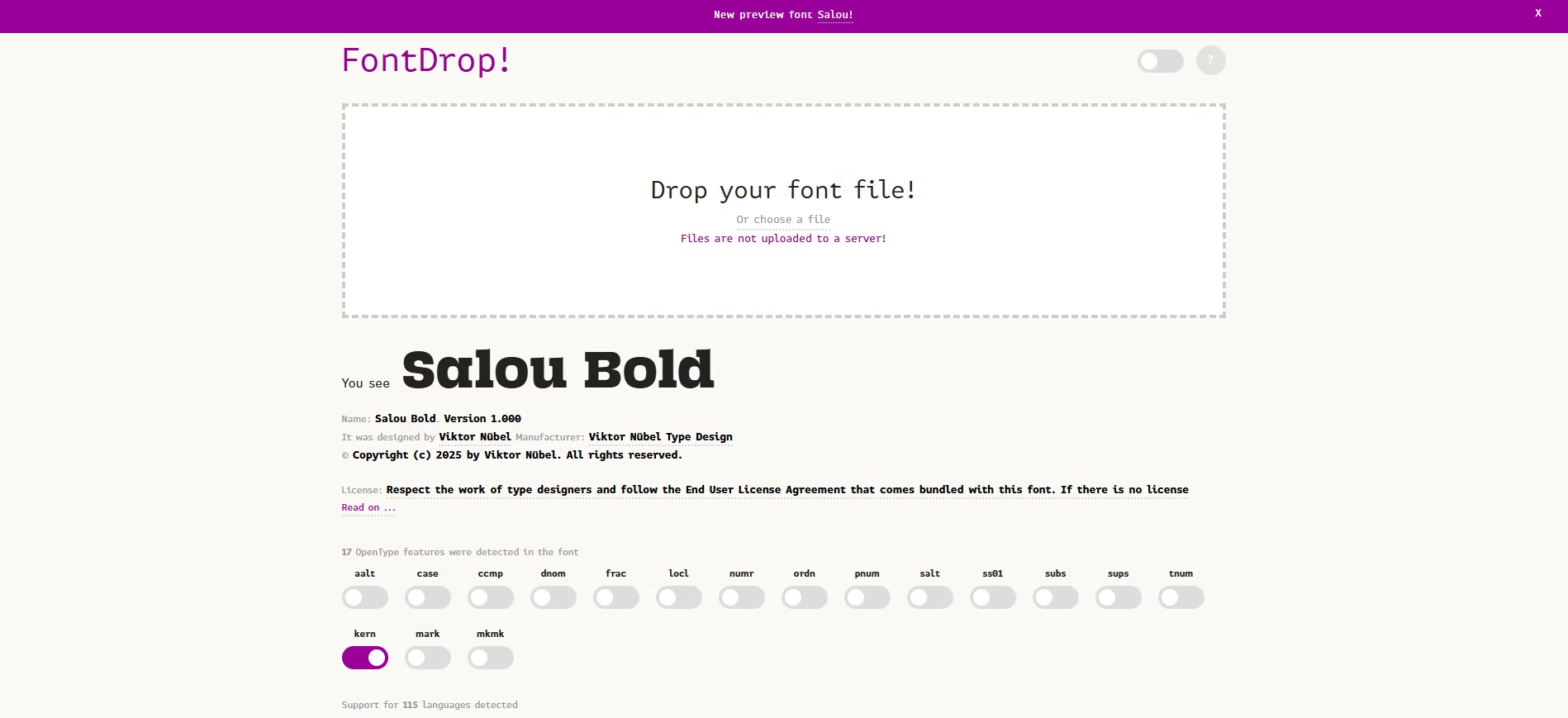
Drag-and-drop font files se glyphs, OpenType features aur live text preview dekh sakte ho. Manual upload chahiye.
Pros: Works with any font file, no install.
Cons: Needs manual upload, no system-wide preview.
Pricing : Free
EverythingFonts.com
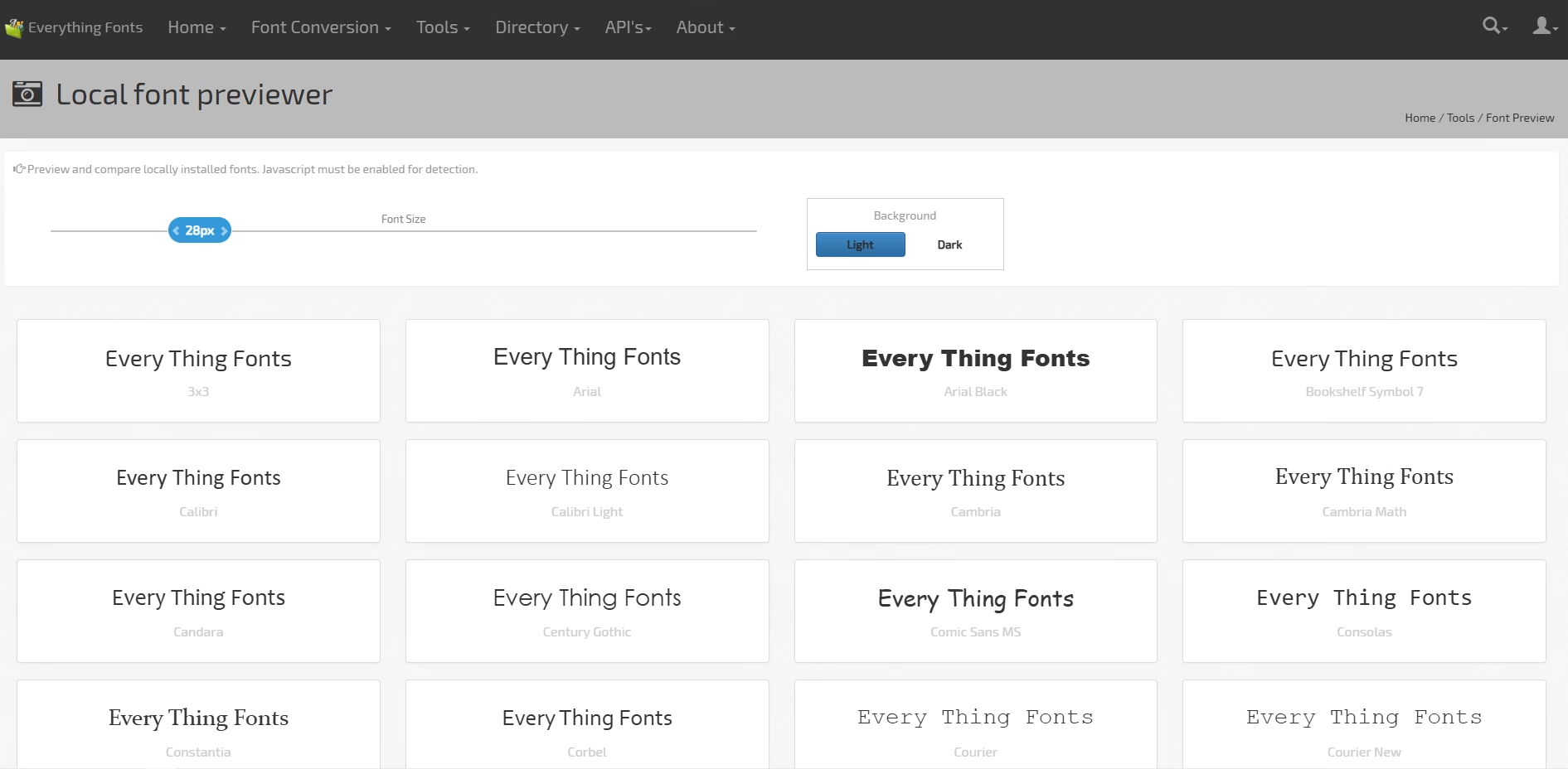
EverythingFonts.com is a multi-purpose online font utility site, less about inspiration, more about practical font tools. It’s built for designers and developers who need to handle font conversions, inspections, and previews quickly.
Pros:
All tools in one place (convert, inspect, preview).
Free to use.
No software installation needed.
Cons:
Doesn’t detect system fonts automatically.
Interface minimal, not ideal for large font library browsing.
Pricing: Free
Software Tools (Desktop Font Managers)
FontBase (Windows, macOS, Linux)
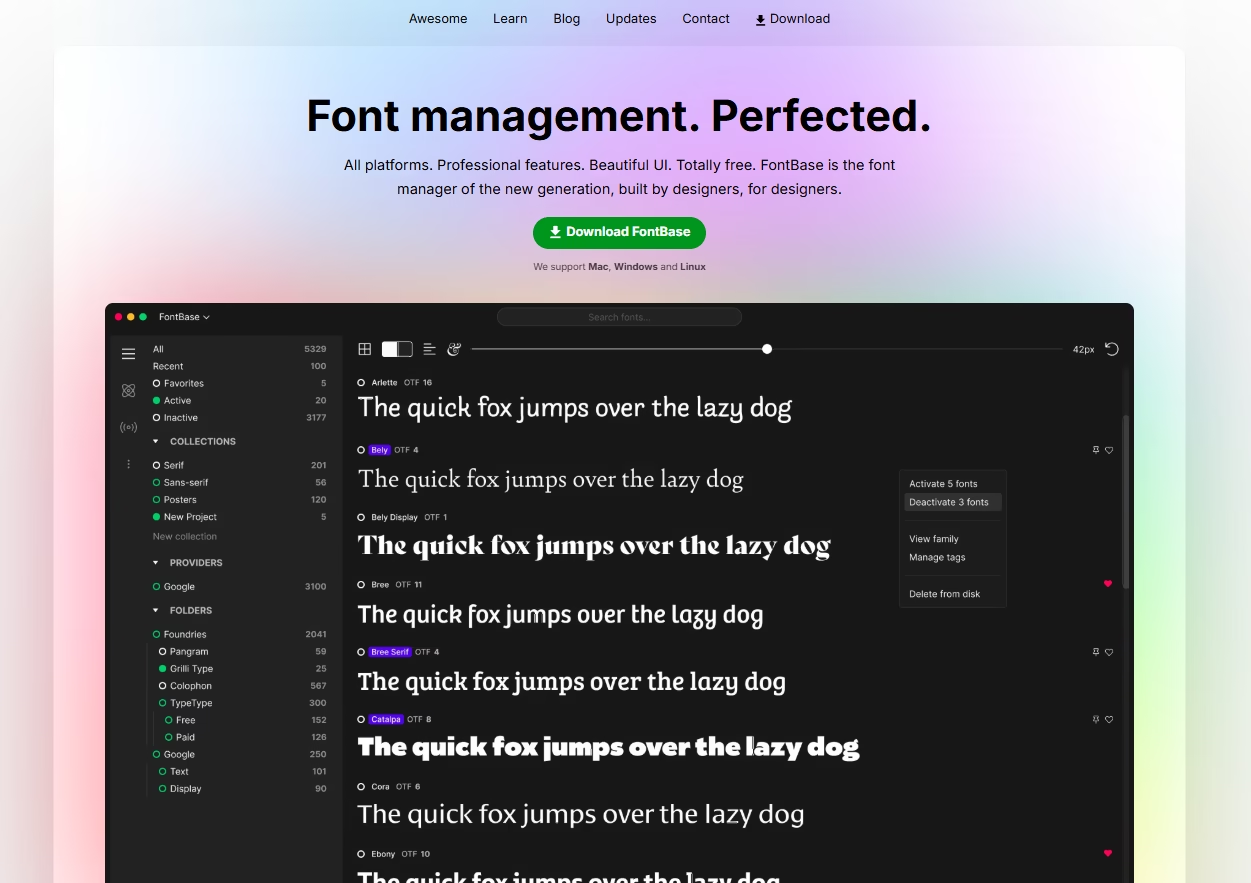
Cross-platform desktop font manager with live preview aur Google Fonts integration. Collections create kar sakte ho aur fonts activate/deactivate kar sakte ho. Pro version me aapko extra features mil jaate hai.
Pros: Cross-platform, activate/deactivate fonts, organize collections.
Cons: Pro version needed for advanced features.
Pricing : Free / Paid Pro
NexusFont (Windows)
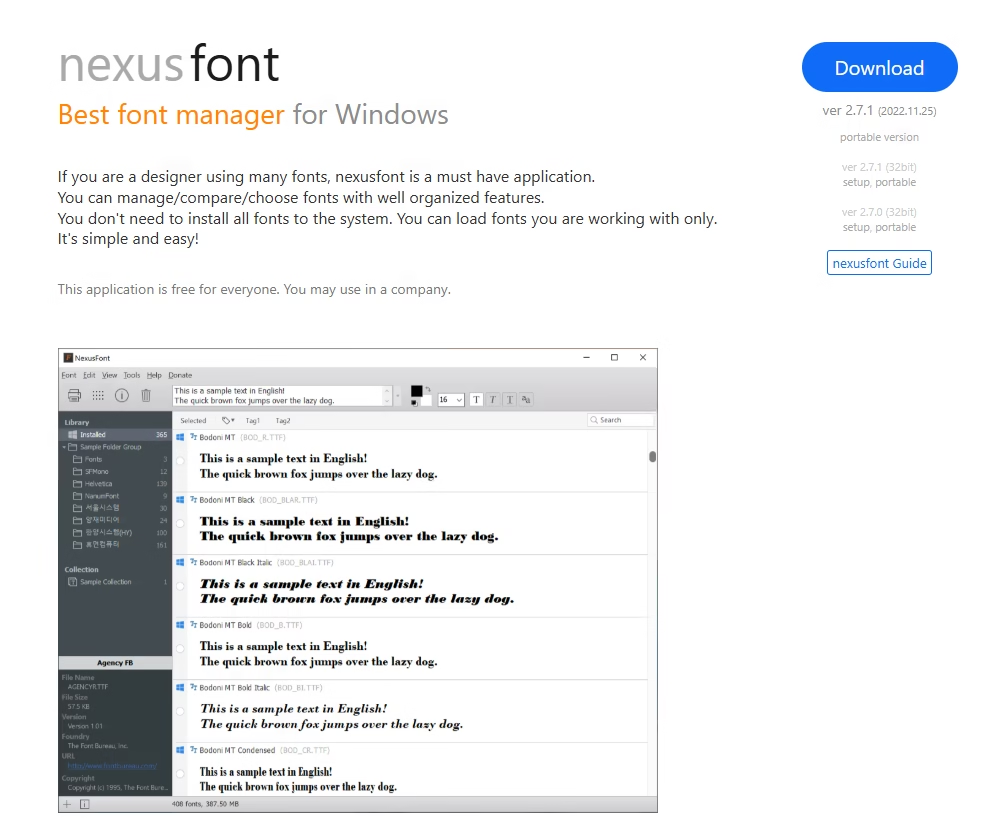
Windows-only lightweight manager jo tumhare system ke fonts ka quick preview aur side-by-side comparison deta hai. Favorites tag kar sakte ho aur portable bhi hai.
Pros: Portable, quick preview, tag favorites, side-by-side comparison.
Cons: Windows only, UI simple.
Pricing : Free
RightFont (macOS)
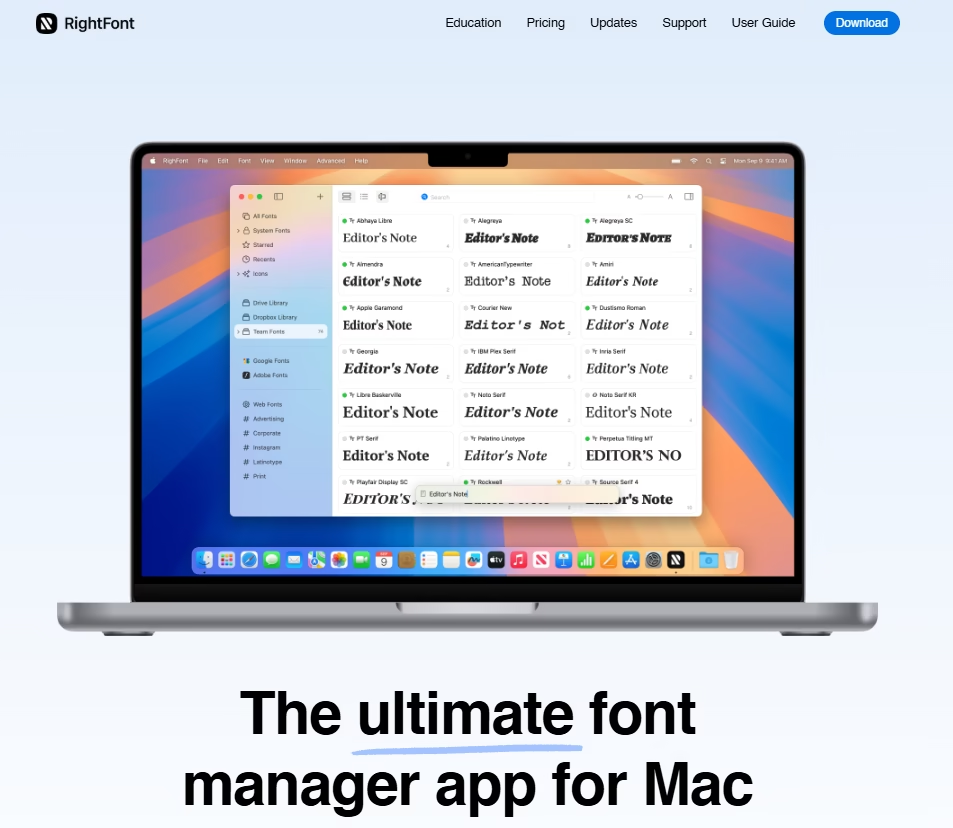
Mac-exclusive professional tool jo Adobe apps aur Sketch ke saath integrate hota hai. Fonts auto-activate hote hain project open karte hi.
Pros: Auto-activate fonts in projects, integrates with cloud.
Cons: Paid only, Mac-exclusive.
Pricing : Paid
MainType (Windows)
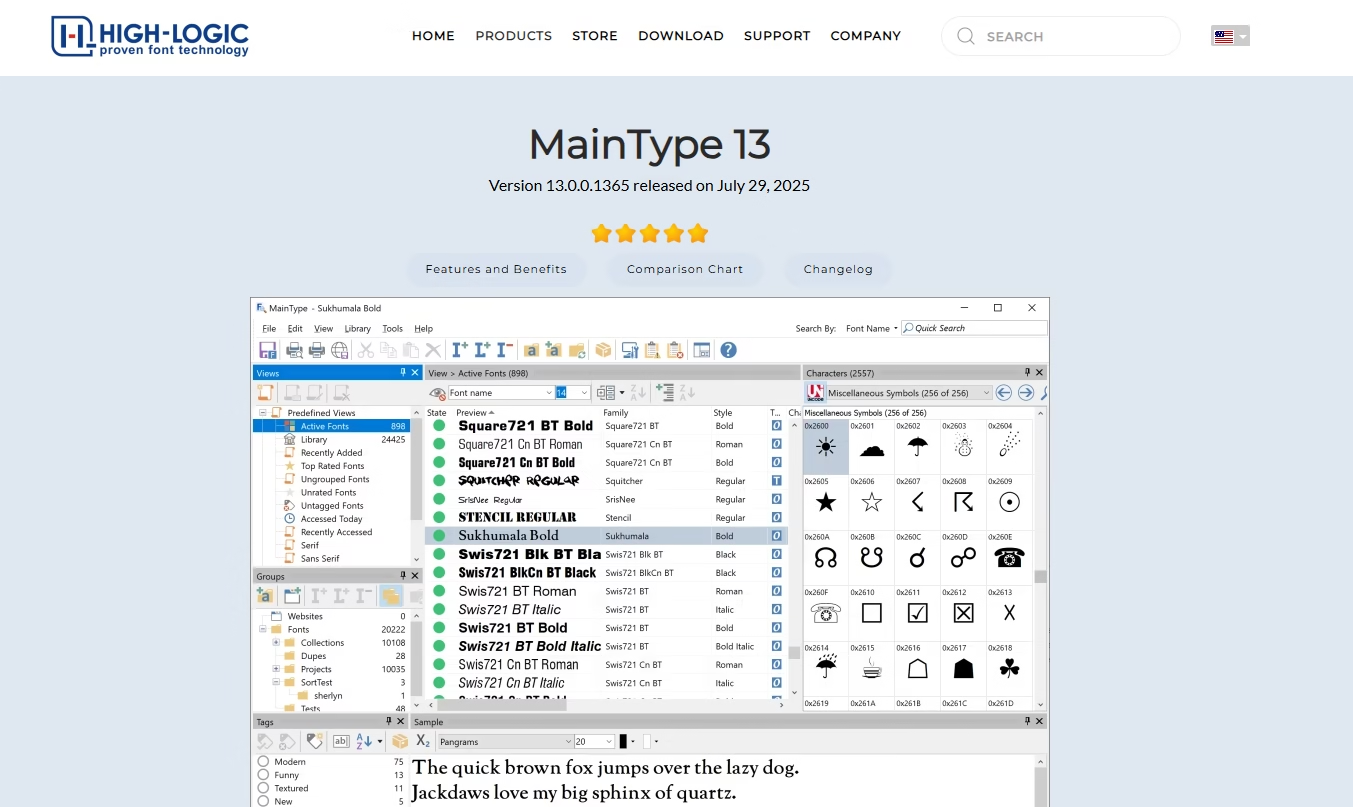
Advanced Windows tool for large font libraries. Tagging, metadata, OpenType features support karta hai. UI thoda complex hai.
Pros: Handles large libraries, OpenType feature support.
Cons: Complex UI, Pro features paid.
Pricing : Free / Paid Pro